Visual Studio Remote Debugger Firewall Error
An Error Occurred while launching remote debugging
This is a relatively common problem (in my experience).
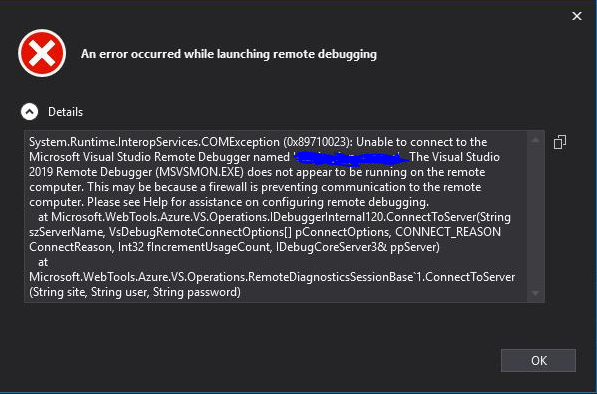
Generally, ensuring that port 4024 for Visual Studio 2019 or 4022 if you’re using 2017 isn’t blocked by your network resolves the issue.
However, in my case, this didn’t work.
Solution
The Web App in question had a custom domain, on the DNS side it was a CNAME, since it was a subdomain.
Finding the IP address of the app (via Properties in Azure) and making two entries in the hosts file on Windows for the CNAME and original *.azurewebsites.net subdomain fixed the issue.